
Planned backup work
Backups & Data Migration
We map what needs to be preserved, plan transfer steps, and include restore testing so changes are checked before final handover.
Tell us what must be preserved before anything moves.
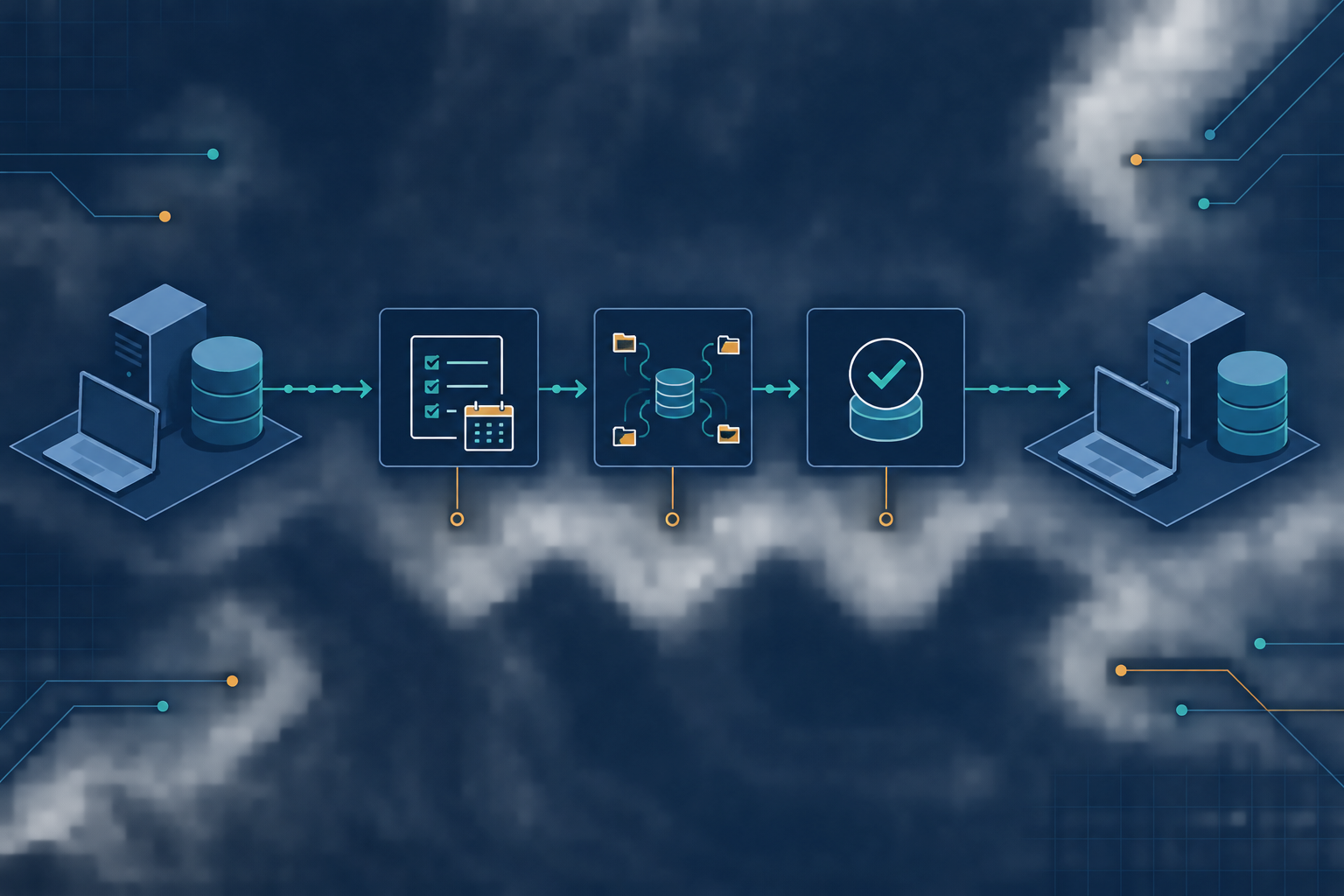
Source
Destination
Backups & Migration
Backup and migration details, before work begins
Share the source devices, the approximate data volume, and the files that must stay intact so the scope can be assessed clearly before any migration steps are agreed.
Enquiry checklist
-
Which devices are involved in this backup or migration?
-
Roughly how much data needs to be moved or reviewed?
-
What files, folders, or archive history must be preserved exactly?
Caution: keep original data available until a migration plan is reviewed and approved.
Request Support